Imagine having an assistant by your side that never gets tired, never misses a detail, and can help with everything from drafting emails to organizing meetings.
Sounds great, right?
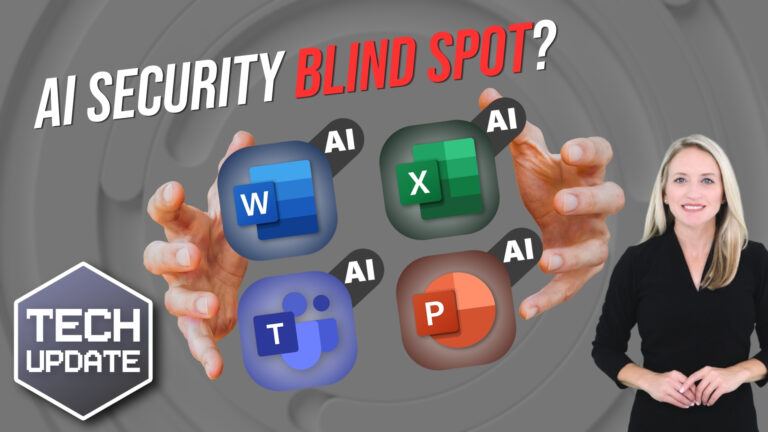
Well, that’s what Microsoft Copilot is. It’s a smart, AI-driven tool built into the Microsoft apps you already use, like Word, Excel, and Teams. It’s designed to handle time-consuming tasks that slow your team down.
But how exactly does it work, and why should you care?
In simple terms, Copilot is AI embedded into the Microsoft Office suite. It’s always there to assist you, whether you’re typing up a report, analyzing data in Excel, or even planning your next big meeting. And the best part is, you don’t need to be tech-savvy to use it. If you can use Word, you can use Copilot.
So, how can it make a difference in your business?
First off, one of the most exciting things about Copilot is that it’s seamlessly integrated into the software you already know. There’s no need for complicated installations or training sessions. And because it’s built into Microsoft 365, your team can jump right in with minimal disruption. It works across devices too, so whether you’re in the office or travelling, Copilot is always there.
One area where Copilot really shines is how it simplifies your daily grind. Think about how much time gets wasted on things like sorting through emails or organizing meetings. We’ve all been there, spending way too long combing through endless email chains or trying to figure out who said what in a meeting.
Copilot tackles this for you. It can summarize long email threads and even suggest responses, so you can get back to what really matters. It’s like having someone do all the heavy lifting while you focus on the more important tasks.
Speaking of meetings, Copilot is a big help when it comes to collaboration. Let’s say you’re wrapping up a Teams call. Instead of manually taking notes or worrying about missing key action items, Copilot will summarize the entire meeting for you, highlighting decisions and tasks. It listens in, captures the key points, and even helps you plan the next steps.
But Copilot isn’t just about cutting down on admin work, it’s also a creativity booster. You know that moment where you stare at a blank document, unsure how to start? Whether it’s drafting a client proposal or putting together a presentation, sometimes the hardest part is getting the ball rolling.
That’s where Copilot comes in. Give it a few prompts, and it’ll generate a first draft or outline to get you started. You don’t have to be a creative genius to produce something great. Copilot takes care of that early-stage work, freeing you up to fine-tune and add your personal touch.
All this leads to a more productive, efficient, and creative workplace. That’s what makes Microsoft Copilot such a powerful tool. It not only takes care of the little things but also helps you unlock your team’s full potential.
Want to find out what Copilot could do for your business? We can help, get in touch.